GUIDE

SNOO White Noise — Is It Too Loud?

The SNOO's sound levels have been measured above AAP recommendations at higher responsiveness settings. Here's what the numbers mean and what you can do about it.

This isn't a reason to panic or stop using the SNOO — but it is a reason to understand the settings and make informed choices.

What Consumer Reports Found

In their testing of bassinet safety, Consumer Reports measured the sound levels of the SNOO at its various responsiveness settings. At the highest level (Level 4), they recorded 71.7 dB at the mattress surface — significantly above the AAP's recommended maximum of 50 dB for infant sleep environments.

This number made headlines and understandably worried parents. But context matters.

The SNOO is a graduated-response device. It starts at a low baseline and only escalates through higher levels when it detects baby fussing. Level 4 — the loudest setting — is the last resort before alerting parents to intervene. Most babies spend most of their sleep time at the lower levels, where sound is significantly quieter.

That said, 71.7 dB is above what the AAP recommends for sustained infant exposure. The fix isn't to stop using the SNOO — it's to understand the settings and limit how loud it gets.

SNOO Sound Levels by Responsiveness Setting

SNOO Sound Levels by Setting
Baseline (lowest)
Sound OutputSoft ambient sound
Concern LevelGenerally within safe range
Level 1
Sound OutputModerate white noise + gentle motion
Concern LevelUsually acceptable — verify with meter
Level 2
Sound OutputLouder white noise + more motion
Concern LevelApproaching limits — check with meter
Level 3
Sound OutputLoud white noise + vigorous motion
Concern LevelMay exceed 50 dB — use volume limiter
Level 4 (highest)
Sound OutputLoudest white noise + most vigorous motion
Concern LevelConsumer Reports measured 71.7 dB — above AAP recommendation

The key insight: the SNOO's volume concern is specific to higher escalation levels, not the baseline. If you limit the maximum level, you eliminate the loudest exposure while keeping the SNOO's core functionality.

What to Do About It

You don't need to stop using the SNOO. You need to adjust the settings. Here's how.

Use the volume limiter in the SNOO app

The SNOO app has a setting that limits the maximum sound and motion level the SNOO can reach. Enable this. It prevents the SNOO from escalating to its highest, loudest setting. Your baby still gets the soothing response — just capped at a lower, safer maximum.

Lock the maximum responsiveness level

In the SNOO app, you can set the maximum level the SNOO will escalate to. If Level 3 and 4 are too loud, lock the maximum at Level 2. The SNOO will still respond to fussing, but it won't escalate past your chosen cap. If your baby needs more soothing than Level 2 provides, the SNOO will alert you to intervene.

Measure with a decibel meter

Place your phone on the SNOO mattress (where your baby's head goes) and run the SNOO through each level. Note the reading at each level. Find the highest level that stays below 50 dB and set that as your maximum. This gives you actual data for your specific SNOO — individual units may vary slightly.

Consider a separate sound machine at lower volume

Some families use the SNOO's motion response but rely on a separate sound machine across the room for white noise. This lets you control volume independently. Set the separate machine to below 50 dB and use the SNOO's motion without its highest sound levels.

Use the weaning mode early

The SNOO has a weaning mode that reduces responsiveness over time to prepare for the crib transition. Starting weaning mode slightly early also reduces the time your baby spends at higher sound levels. This serves double duty: safer volume and smoother crib transition.

For the full guide on measuring and understanding sound machine volume, see how loud should a sound machine be for baby.

The Bigger Picture

The SNOO is a well-designed product with real benefits — FDA-cleared for safe sleep, effective for sleep consolidation, and helpful for exhausted parents. The volume concern at higher settings is real but fixable.

The AAP's 50 dB recommendation is based on sustained exposure. Brief escalations (a few minutes at a higher level while the SNOO tries to soothe a fussing baby) are different from continuous high-volume exposure all night. But there's no reason to accept the higher levels when you can cap them with a simple settings change.

Use the SNOO's features. Adjust the maximum level. Verify with a decibel meter. And don't let a headline override the overall benefit the device provides to your family's sleep and safety.

For general white noise safety guidelines that apply to all devices — SNOO, standalone machines, and apps — see our complete white noise safety guide.

Common Mistakes

  • Ignoring volume concerns because 'the SNOO is FDA-approved' — FDA clearance as a medical device for safe sleep doesn't specifically address noise levels
  • Using the SNOO at maximum settings for every sleep without ever checking the actual dB level
  • Adding a loud separate sound machine on top of the SNOO's built-in sound — check combined levels
  • Panicking and stopping SNOO use entirely based on a headline — the fix is settings adjustment
  • Not updating the SNOO app — firmware updates sometimes include sound level adjustments
  • Assuming the SNOO replaces the need for other safe sleep practices — it's a tool, not a substitute for safe sleep guidelines

The SNOO at adjusted settings is a great tool. The mistake is either ignoring the volume concern entirely or overcorrecting by abandoning the device.

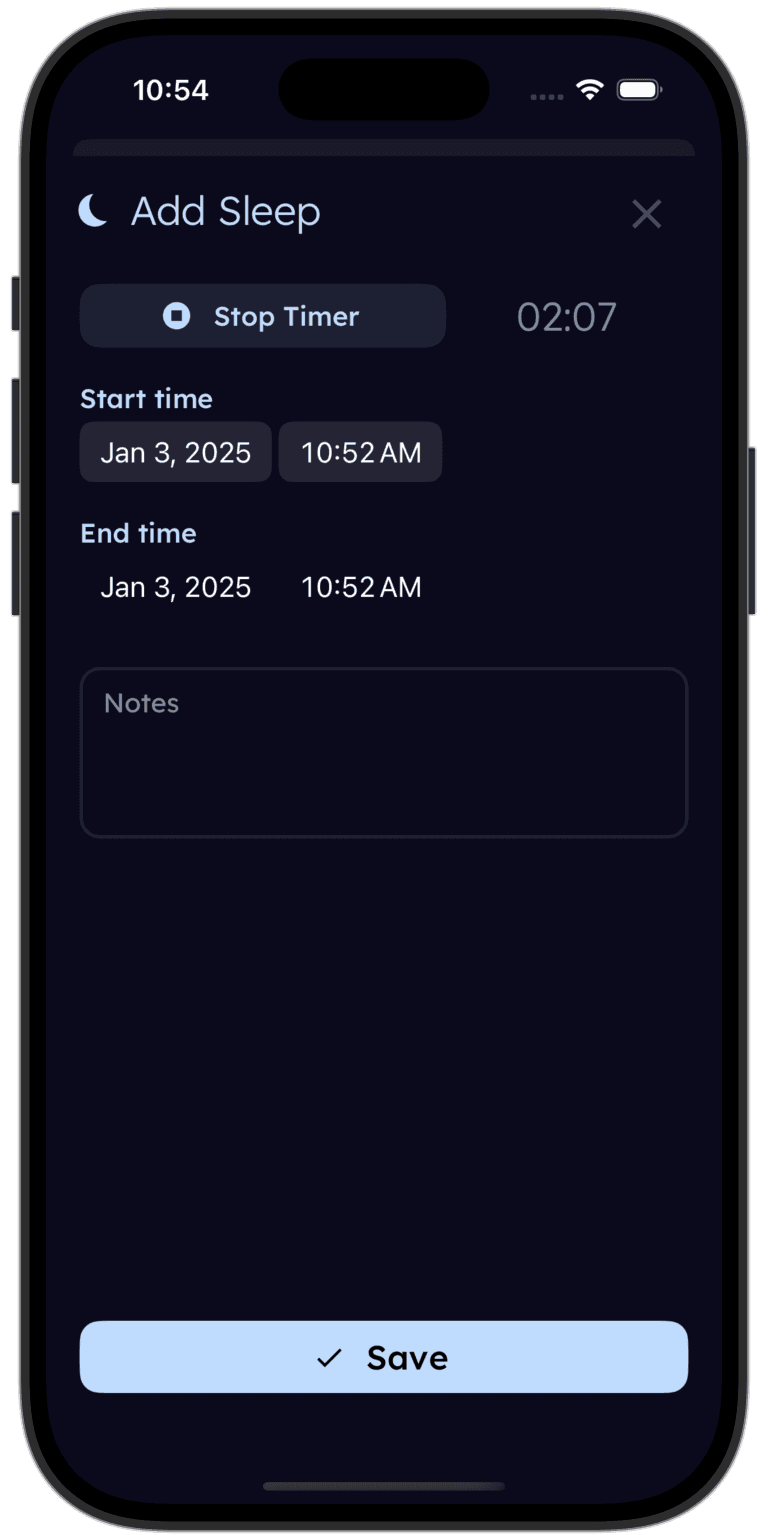
tinylog sleep tracker for babies using SNOO

Track your baby's sleep alongside SNOO data.

Log sleep patterns in tinylog — see how sleep evolves as you adjust SNOO settings or transition to a crib.

Download on the App StoreGet It On Google Play

Related Guides

Sources

  • Consumer Reports. (2024). Bassinet Safety Testing: Sound Level Measurements.
  • Happiest Baby. SNOO Smart Sleeper Safety and Settings. https://www.happiestbaby.com
  • Hugh, S. C., et al. (2014). Infant sleep machines and hazardous sound pressure levels. JAMA Pediatrics, 168(5), 404–406.
  • American Academy of Pediatrics. (2023). Safe Sleep Guidelines. https://www.aap.org
  • Zero to Three. Helping Your Baby Sleep. https://www.zerotothree.org

Medical Disclaimer

This guide is for informational purposes only and is not a substitute for professional medical advice. If you have concerns about your baby's hearing or sleep device safety, please consult your pediatrician.

Want this guide in your inbox?
We'll send you this guide so you can check your SNOO settings tonight.
Track your baby's sleep — SNOO or not.
Download tinylog free — log sleep patterns alongside your SNOO data for a complete picture.
Download on the App StoreGet It On Google Play