GUIDE

How Loud Should a Sound Machine Be for Baby?

Below 50 decibels, measured at your baby's head — not at the machine. That's about the volume of a quiet conversation or moderate rainfall.

Here's exactly how to measure it with a free app, what the numbers mean, and why your ears alone aren't reliable.

The Number That Matters: 50 dB

The American Academy of Pediatrics recommends that infant sound exposure stay below 50 dB. This comes from hospital nursery guidelines and was reinforced by a 2014 study that found all 14 tested infant sound machines exceeded this level at maximum volume when placed near the crib.

But what does 50 dB actually feel like?

Decibel Scale for Baby Sleep
20 dB
What It Sounds LikeRustling leaves, quiet whisper
Safety for BabyVery quiet — may not mask enough
30 dB
What It Sounds LikeQuiet library, soft whisper
Safety for BabySafe — light masking
40 dB
What It Sounds LikeQuiet office, light rain
Safety for BabySafe — good masking for most homes
50 dB
What It Sounds LikeModerate rainfall, quiet conversation
Safety for BabyUpper safe limit per AAP
60 dB
What It Sounds LikeNormal conversation, sewing machine
Safety for BabyToo loud — reduce volume or increase distance
70 dB
What It Sounds LikeShower, dishwasher, busy traffic
Safety for BabyToo loud — risk of auditory stress
85 dB
What It Sounds LikeLawnmower, heavy traffic
Safety for BabyDangerous — can cause hearing damage over time

The sweet spot for most families is 40 to 50 dB — loud enough to mask normal household sounds but quiet enough to be safe for your baby's developing ears. For premature babies, aim for below 45 dB. See our preemie guide for details.

Why You Can't Trust Your Ears

Here's the problem with judging volume by feel: your brain is designed to tune out constant background noise. It's a survival mechanism — if the noise isn't changing, it's probably not a threat, so your brain stops paying attention to it.

This process, called auditory adaptation, kicks in within minutes. You walk into a room with a sound machine running at 60 dB, and within five minutes it sounds like 45 dB to you. It hasn't gotten quieter — your brain has turned down the volume knob in your perception.

Your baby's developing auditory system doesn't adapt the same way, especially in the first year. The sound level that "seems fine" to you after a few minutes in the room might be genuinely too loud for your baby's ears.

This is why a decibel meter app matters. It doesn't adapt. It gives you the actual number every time.

How to Measure: Step by Step

Step 1: Download a decibel meter app

The most accurate free option is NIOSH SLM, developed by the National Institute for Occupational Safety and Health (NIOSH/CDC). It's available for iOS. For Android, Decibel X and Sound Meter are both reliable. Avoid apps with ads that interrupt the measurement.

Step 2: Set up normally

Turn on your sound machine at the volume you normally use, in its normal position. Close the door if you normally keep it closed. You want to measure the actual conditions your baby sleeps in — not a test setup.

Step 3: Measure at your baby's head

Hold your phone at the exact position where your baby's head rests in the crib. Not at the machine. Not at your standing height. Right where their ears are. Leave it there for 10 to 15 seconds and watch the reading stabilize.

Step 4: Read the number

You want to see a number below 50 dB. If you see 50 or above, turn the volume down. If you see 45 or below, you're in a great range. For premature babies, aim for below 45 dB.

Step 5: Re-check after any change

Moved the crib? Switched machines? Changed the sound type? Adjusted the volume knob (even accidentally)? Re-measure. It takes 30 seconds and it's the single most important safety step you can take.

Distance Matters as Much as Volume

Sound intensity follows the inverse square law — when you double the distance from the source, the sound level drops by about 6 dB. This is why the AAP recommends placing machines at least 7 feet from your baby.

Here's what this means in practice: a sound machine running at a setting that produces 65 dB at 1 foot will produce roughly:

  • 59 dB at 2 feet
  • 53 dB at 4 feet
  • 47 dB at 8 feet

Moving the machine from the nightstand to the dresser across the room can drop the exposure by 10 to 15 dB — the difference between "too loud" and "perfectly safe." Distance is your single most powerful safety tool.

The 2014 JAMA Pediatrics study found that three of the 14 tested machines exceeded 85 dB (the occupational safety limit) at crib-rail distance. At 200 cm (about 7 feet), none did. Same machines, same settings — just farther away.

Troubleshooting

It's above 50 dB — now what?

First try turning the volume down. If the lowest setting is still too loud at your baby's head, move the machine farther away. Sound drops about 6 dB every time you double the distance. A machine that reads 55 dB at 4 feet may read 49 dB at 8 feet. If that's not enough, you need a different machine — some budget models simply can't go quiet enough.

It seems too quiet to help

If the sound at 50 dB or below seems too quiet to mask household noise, the problem isn't that you need more volume — it's that you may need better masking. Try switching from white noise to pink or brown noise, which can feel more enveloping at the same volume. Or address the noise source: close doors, move the machine closer to the noise (not the baby), or add a second low-volume machine near the door.

Different readings at different times

Decibel readings fluctuate slightly — that's normal. Take a few measurements and use the highest consistent number. If the machine sounds are mixing with external noise (traffic, HVAC), the reading will be higher. That's fine — you're measuring the total sound environment at your baby's head, which is what matters.

The app gives wildly different numbers than another app

Not all decibel apps are equally calibrated. NIOSH SLM is the gold standard for phone-based measurement. If you're using a different app and the numbers seem off, cross-check with NIOSH SLM. Phone microphones have limitations, but NIOSH SLM is specifically designed to compensate for them.

Common Volume Mistakes

  • Never measuring at all — 'it sounds fine to me' is not a measurement
  • Measuring at the machine instead of at the baby's head — the number that matters is what reaches your baby's ears
  • Measuring once and never again — volume knobs shift, machines get moved, settings change
  • Trusting the machine's own 'dB display' without verifying — manufacturer labels aren't always accurate
  • Compensating for a loud environment by cranking the volume past 50 dB — this creates a louder problem, not a quieter one
  • Forgetting that sound type matters — switching from pink to white noise at the same setting can change the dB at your baby's head

The fix for every one of these is the same: measure at your baby's head with a decibel app, and re-measure whenever something changes. It takes 30 seconds.

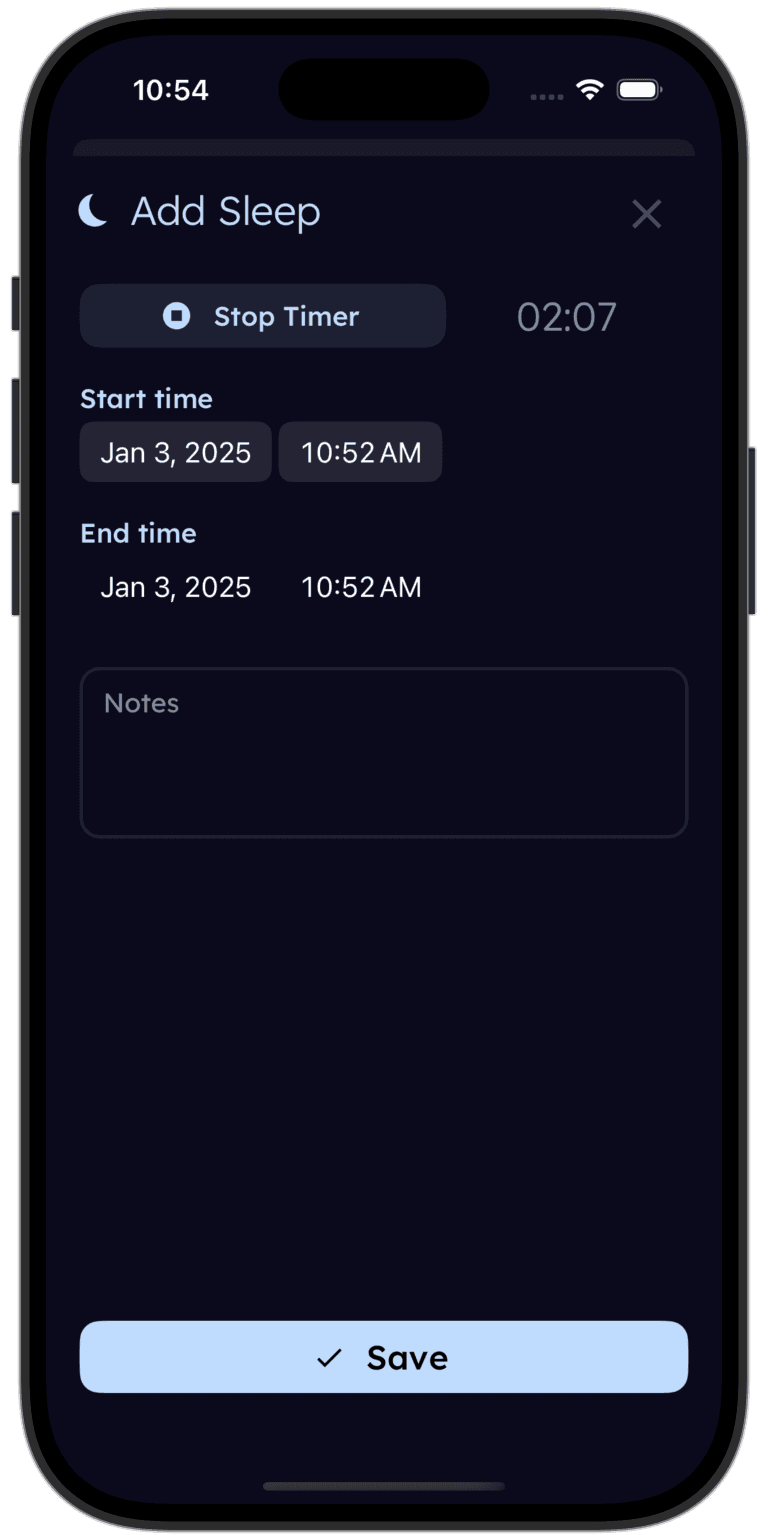
tinylog baby sleep tracker

Track what's working for your baby's sleep.

Log naps and nighttime sleep in one tap — tinylog shows you the trends so you can see if adjusting the sound machine actually improved things.

Download on the App StoreGet It On Google Play

Related Guides

Sources

  • Hugh, S. C., et al. (2014). Infant sleep machines and hazardous sound pressure levels. JAMA Pediatrics, 168(5), 404–406.
  • American Academy of Pediatrics. (2023). Safe Sleep Guidelines. https://www.aap.org
  • NIOSH. Sound Level Meter App. https://www.cdc.gov/niosh/topics/noise/app.html
  • Nationwide Children's Hospital. (2025). Understanding White, Brown and Pink Noise for Children's Sleep. https://www.nationwidechildrens.org
  • Zero to Three. Helping Your Baby Sleep. https://www.zerotothree.org

Medical Disclaimer

This guide is for informational purposes only and is not a substitute for professional medical advice. If you have concerns about your baby's hearing, please consult your pediatrician.

Want this guide in your inbox?
We'll send you the step-by-step volume check so you can do it tonight.
Track your baby's sleep patterns.
Download tinylog free — log naps and night sleep to see what's working.
Download on the App StoreGet It On Google Play