
GUIDE
CuboAi Gen 3 vs. Momcozy BM01
Published on
These two monitors take completely different approaches. CuboAi Gen 3 is a wifi-connected smart camera with AI-powered safety alerts. Momcozy BM01 is a portable, no-wifi monitor with its own parent unit. Your pick depends on whether you want smart alerts or dead-simple reliability.
The CuboAi Gen 3 and Momcozy BM01 sit at opposite ends of the baby monitor spectrum. One uses computer vision to detect covered faces and danger zones. The other uses a closed radio signal to show you your baby on a screen — no app, no cloud, no fuss. Both get the job done, just very differently.
Log naps, wake windows, and overnight stretches
Smart Alerts vs. Pure Simplicity — That's the Real Choice
The CuboAi Gen 3 and Momcozy BM01 are both baby monitors, but comparing them is a bit like comparing a smartphone to a landline. Both make calls. One does a whole lot more.
CuboAi Gen 3 is a wifi-connected smart camera that uses computer vision to detect covered faces, rollovers, and danger zone breaches. It streams 1080p HD to your phone, works from anywhere with internet, and includes its best safety alerts for free — no subscription required.
Momcozy BM01 is a traditional video monitor with its own handheld screen. No wifi, no app, no cloud. It just shows you your baby. And it does that incredibly well for about a quarter of the price.
We compared the features, video quality, reliability, security, and total cost so you can skip the guesswork.
For more on how much sleep to expect at each age, see our baby sleep schedule guides.
| Feature | CuboAi Gen 3 | Momcozy BM01 | What It Means |
|---|---|---|---|
| Type | Smart wifi camera + phone app | Standalone video monitor with parent unit | Completely different categories. CuboAi needs your phone and wifi; Momcozy comes with its own screen. |
| Video resolution | 1080p HD with 135° wide-angle lens | 720p HD | CuboAi is sharper and wider. The 135° lens means less fiddling with camera position to get the whole crib. |
| Wifi required | Yes — 2.4 GHz wifi required | No — closed FHSS signal | Momcozy wins on reliability. No wifi means no buffering, no outages, and no dependency on your router. |
| AI safety alerts | Covered-face, rollover, danger zone, cry detection | Cry detection and sound alerts only | CuboAi wins by a mile. Covered-face and danger zone detection are real standouts that basic monitors cannot match. |
| Mounting options | Floor stand, wall mount, or crib mount | Tabletop or wall mount | CuboAi is more versatile. The included floor stand and crib mount option give you flexibility without drilling holes. |
| Night vision | 1080p infrared with enhanced low-light sensor | 720p infrared, auto-switching | Both work well in total darkness. CuboAi has a slightly clearer image thanks to the higher resolution sensor. |
| Two-way audio | Yes — through the app | Yes — through the parent unit | Tie. Both let you talk to your baby. The Momcozy parent unit is faster to grab than unlocking your phone. |
| Portability | Portable with floor stand, but needs wifi at destination | Compact camera + battery-powered parent unit, no wifi needed | Momcozy wins for travel. Works at hotels, grandparents' houses, and anywhere else with zero setup. |
| Temperature/humidity sensor | Yes — built into camera, alerts through app | Yes — built into camera, alerts on parent unit | Both monitor room conditions. Momcozy pushes alerts to the parent unit; CuboAi sends them to your phone. |
| Range | Anywhere with internet access | Up to 1,000 feet (FHSS signal) | CuboAi works from the office or across town. Momcozy works anywhere within about 1,000 feet of the camera. |
| Subscription | Optional — $5/mo or $50/yr for premium features | None — all features included | Both are good here. CuboAi core alerts are free; the optional premium is half the cost of competitors. |
Safety Alerts: CuboAi's Biggest Advantage
This is the category where the gap between these two monitors is widest. CuboAi Gen 3 uses on-device AI to analyze the video feed in real time and alert you to things a basic monitor would miss entirely.
The highlights:
- Covered-face alert: If a blanket, lovey, or pillow covers your baby's face, you get a push notification within seconds. This one feature alone is the reason many parents choose a smart monitor.
- Rollover alert: Detects when your baby rolls onto their stomach — particularly useful before they can roll back on their own.
- Danger zone alert: You draw virtual boundaries on the camera feed, and you get notified if your baby crosses them. Perfect for crawlers and early walkers testing limits.
The Momcozy BM01 has cry detection and sound-level alerts, which are helpful but basic. It cannot analyze what it sees. If a blanket covers your baby's face, the Momcozy will keep showing you the video feed — but it won't tap you on the shoulder about it.
If safety alerts are your primary reason for buying a monitor, CuboAi is in a different league.
Portability and Reliability: Where Momcozy Shines
Here is where the Momcozy BM01 fights back, and fights hard.
The BM01 uses a closed FHSS radio signal — no wifi, no internet, no cloud servers in between. The camera talks directly to the parent unit. That means no buffering when your neighbor starts streaming Netflix. No outage when your ISP has a hiccup at midnight. No app updates that break something.
It also means you can take it anywhere. Visiting grandparents for the weekend? Toss it in your bag. Hotel room? Working in under a minute. There is zero setup involved — you plug in the camera, turn on the parent unit, and you are done.
The CuboAi Gen 3 is technically portable (the floor stand makes it easy to move between rooms), but you need wifi at your destination. No wifi, no monitor. That is a real limitation for travel, and it is worth thinking about if you spend time at places without reliable internet.
For parents who move between locations or just want something that never goes down, the Momcozy's offline design is hard to argue with.
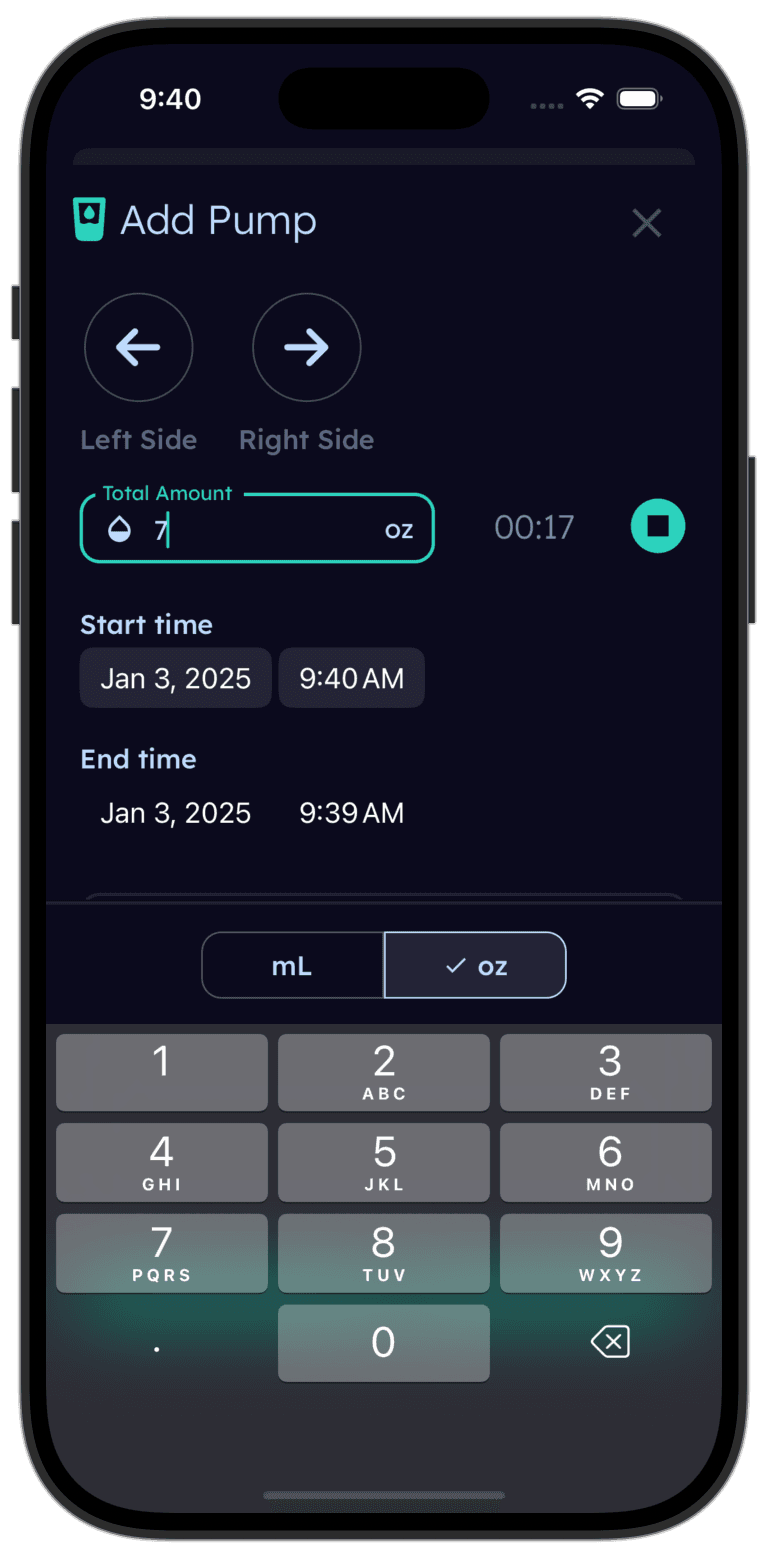
Tinylog tracks sleep so you can spot patterns.
Log naps, overnight stretches, and wake windows. See trends over days and weeks. Works great alongside any baby monitor.


Video Quality: Noticeable but Not Dramatic
CuboAi Gen 3 streams at 1080p with a 135-degree wide-angle lens. Momcozy BM01 streams at 720p with a standard lens.
In practice, the 1080p feed is noticeably sharper — you can make out facial expressions and small details more clearly. The wide-angle lens also means you see more of the room without repositioning the camera. If your nursery is on the larger side, the CuboAi will cover more ground in a single view.
That said, 720p is plenty for watching a sleeping baby in a crib. You can clearly see movement, position, and whether eyes are open or closed. Nobody is streaming their baby monitor in 4K. The resolution difference matters more if you are relying on the camera for AI detection (CuboAi needs the detail for its algorithms) than it does for your eyeballs.
Both monitors have solid infrared night vision. Both auto-switch when the room goes dark. Both give you a clear picture at 2 AM.
| Product | Typical Price | Ongoing Cost | Monthly (Year 1, Amortized) |
|---|---|---|---|
| CuboAi Gen 3 (camera + floor stand) | $200–$260 | Premium plan: ~$50/yr (optional) | ~$17–$22/mo (Year 1, amortized) |
| CuboAi Gen 3 (free tier, no subscription) | $200–$260 | None | ~$17–$22/mo (Year 1, amortized) |
| Momcozy BM01 (camera + parent unit) | $40–$55 | None | ~$3–$5/mo (Year 1, amortized) |
Cost: A Big Gap With a Catch
The sticker prices tell a clear story. The Momcozy BM01 costs $40–$55 all-in. The CuboAi Gen 3 starts at $200–$260. That is a 4–6x price difference.
Over two years:
- Momcozy BM01: ~$40–$55 total
- CuboAi Gen 3 (free tier): ~$200–$260 total
- CuboAi Gen 3 (with premium): ~$300–$360 total
But here is the catch: the CuboAi includes its most valuable features — covered-face alerts, rollover detection, danger zone monitoring — for free. Unlike some competitors that lock safety features behind a paywall, CuboAi gives you the stuff that actually matters without a subscription. The premium plan adds video history and enhanced sleep analytics, which are nice but not essential.
So while the Momcozy is obviously cheaper, the CuboAi's core value proposition does not require ongoing payments. You pay more upfront, but you are not trapped in a subscription cycle. That is a meaningful distinction if you are comparing it against other smart monitors.
Choose the CuboAi Gen 3 If
- You want AI-powered covered-face and rollover alerts watching your baby
- Remote access matters — you want to check in from work or while out
- Danger zone detection is valuable as your baby starts crawling
- You prefer a wide-angle 1080p camera with flexible mounting options
- You want smart features without paying a steep monthly subscription
Choose the Momcozy BM01 If
- You want a monitor that works anywhere with zero wifi dependency
- Portability is a priority — you travel or move between rooms frequently
- You prefer a dedicated parent unit over using your phone as the screen
- Ongoing subscription costs are a non-starter for you
- Security from hacking is your top concern
- Budget is tight and you need a reliable monitor under $60
Where to Buy
If you want AI safety alerts and a wide-angle smart camera, the CuboAi Gen 3 Smart Baby Monitor (~$230 for the camera and floor stand) delivers covered-face detection, rollover alerts, and danger zone monitoring — all without a required subscription. It is one of the best values in the smart monitor category.
If you want a reliable, portable monitor that works anywhere without wifi or subscriptions, the Momcozy BM01 Video Baby Monitor (~$50 for the full kit) is tough to beat. It does exactly what a baby monitor should do — shows you your baby, clearly, every single time.
Our honest take: if you mostly monitor from within your home and want something foolproof, the Momcozy is a great starting point. If safety alerts and remote viewing would genuinely help you sleep better, the CuboAi is worth the investment.
Tinylog earns a small commission on purchases made through these links, at no cost to you.
Want to save a few bucks? promo.new is worth a quick look. It won't always have your product, but when it does, the savings are real.
The Bottom Line
The CuboAi Gen 3 and Momcozy BM01 are both solid monitors that approach the job from completely different angles.
CuboAi Gen 3 wins on AI safety alerts, video quality, remote access, and wide-angle coverage. It is the better choice for parents who want smart covered-face detection and the ability to check in from anywhere — without paying a mandatory subscription.
Momcozy BM01 wins on portability, reliability, simplicity, security, and cost. It is the better choice for parents who want a no-fuss monitor that works out of the box and travels with the family.
For most parents, the decision comes down to this: do you want the camera watching out for specific dangers (choose CuboAi), or do you want the simplest, most reliable way to see your baby on a screen (choose Momcozy)?
If you are tracking your baby's sleep — and the early months are when it matters most — Tinylog makes it easy to log naps, nightwakes, and sleep totals alongside either monitor.
Related Guides
- Baby Sleep Safety — Safe sleep guidelines and reducing SIDS risk
- Nanit Pro vs. CuboAi Gen 3 — How CuboAi stacks up against Nanit's sleep tracking
- Nanit Pro vs. Momcozy BM01 — Smart camera vs. simple monitor compared
- Baby Feeding Chart — How much your baby should eat by age
Sources
- CuboAi.com. "CuboAi Gen 3 Smart Baby Monitor — Product Information." 2026.
- Momcozy.com. "Momcozy BM01 Video Baby Monitor — Product Information." 2026.
- Wirecutter (NY Times). "The Best Baby Monitors." nytimes.com/wirecutter, 2026.
- Consumer Reports. "Best Baby Monitors From Our Tests." consumerreports.org, 2026.
- BabyGearLab. "Best Baby Monitor Review." babygearlab.com, 2026.
- American Academy of Pediatrics. "Safe Sleep Recommendations." aap.org, 2024.
This guide is for informational purposes only. Baby monitor choice depends on your family's specific needs, nursery setup, and budget. Always follow AAP safe sleep guidelines regardless of which monitor you use.
Frequently asked questions
- Does the CuboAi Gen 3 require a subscription?
- No — not for the core features. Covered-face alerts, rollover alerts, danger zone detection, cry detection, and live HD streaming are all included free. An optional premium plan (~$50/year) adds 18-hour video playback history and enhanced sleep analytics.
- Does the Momcozy BM01 need wifi?
- No. The Momcozy BM01 uses a closed FHSS radio signal between the camera and the parent unit. It needs zero wifi, zero internet, and zero app. It works out of the box anywhere you take it.
- Which monitor has better night vision?
- The CuboAi Gen 3 has a slight edge with its 1080p sensor and enhanced low-light performance. The Momcozy BM01 has solid 720p infrared night vision that auto-activates in the dark. Both produce a clear image in a pitch-black room.
- Can I watch my baby from work with either monitor?
- Only with the CuboAi Gen 3. Because it connects to wifi and streams through an app, you can view the feed from anywhere with internet. The Momcozy BM01 has a range of about 1,000 feet from the camera, so it only works within and around your home.
- Which baby monitor is harder to hack?
- The Momcozy BM01 is inherently more secure because it has no internet connection at all — there is nothing to hack remotely. The CuboAi Gen 3 uses AES 256-bit encryption and is GDPR compliant, which is solid, but any wifi-connected camera has a larger attack surface than an offline one.
- Can I use multiple cameras with either monitor?
- Yes. CuboAi Gen 3 supports multiple cameras on one account, so you can monitor different rooms in the app. The Momcozy BM01 can pair up to two cameras to one parent unit and lets you toggle between feeds or view split screen.